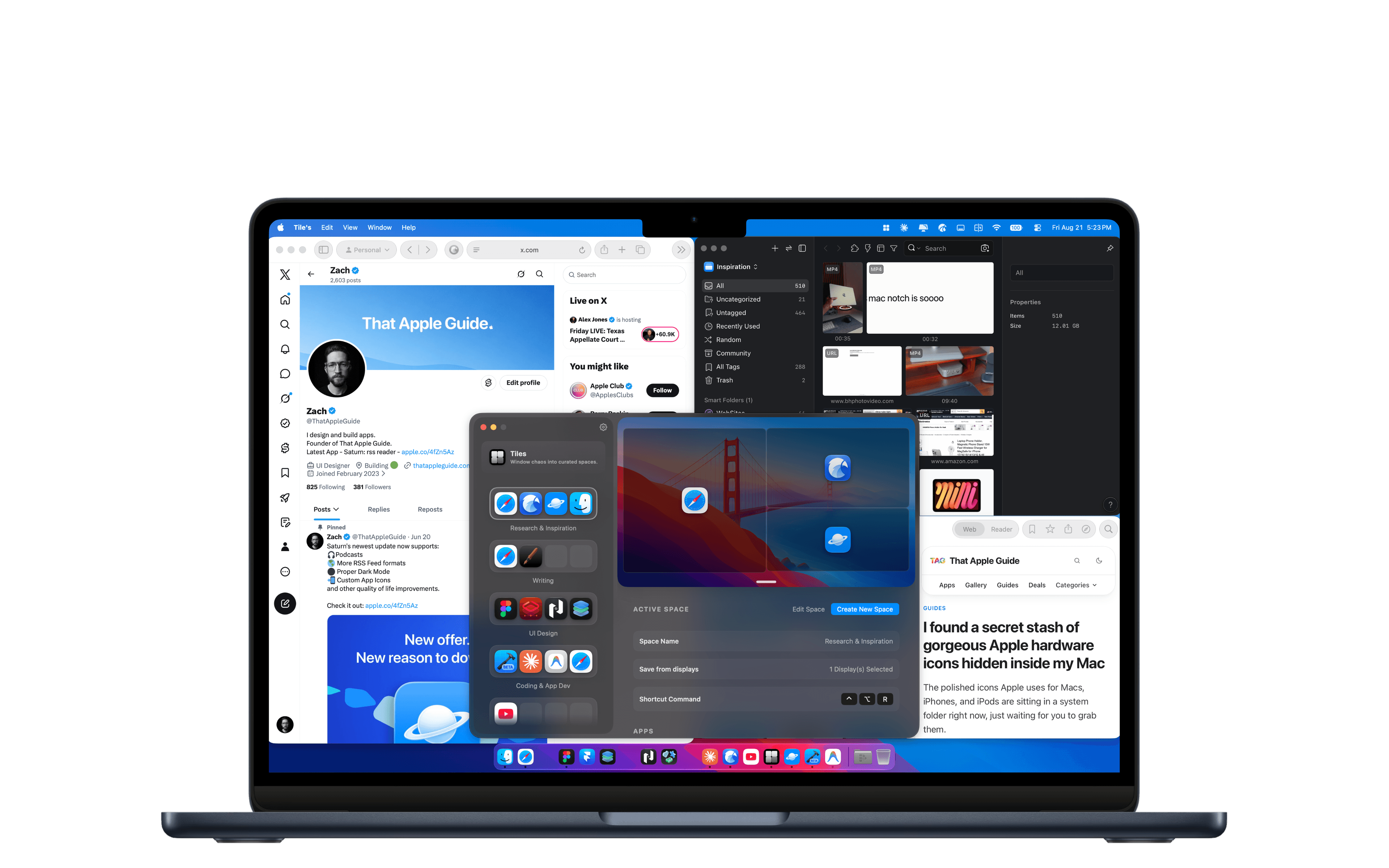
Every window, positioned and scaled, in a fraction of a second.
Apply a Space and Tiles moves, resizes and snaps every app back to the exact coordinates you saved. Going from a client call to a deep work session stops being a two-minute chore.
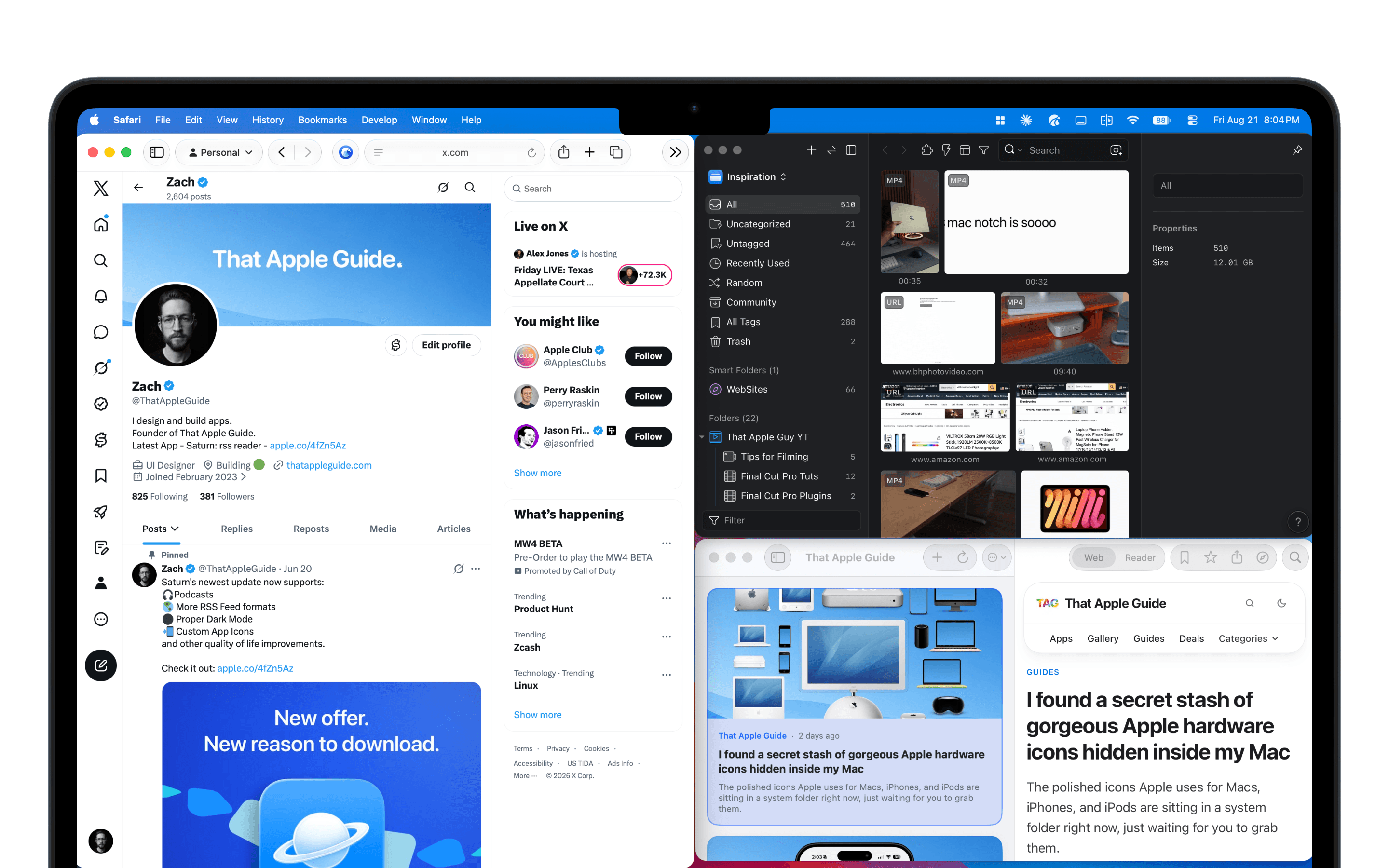
Arrange your app windows exactly how you like them, save
the layout as a Space, and snap everything back with one keystroke.
No scripting, no dragging, no window chaos.

Tiles is deliberately small. It does one job, remembering exactly where your windows belong, and does it faster than you can drag a single window.
Apply a Space and Tiles moves, resizes and snaps every app back to the exact coordinates you saved. Going from a client call to a deep work session stops being a two-minute chore.

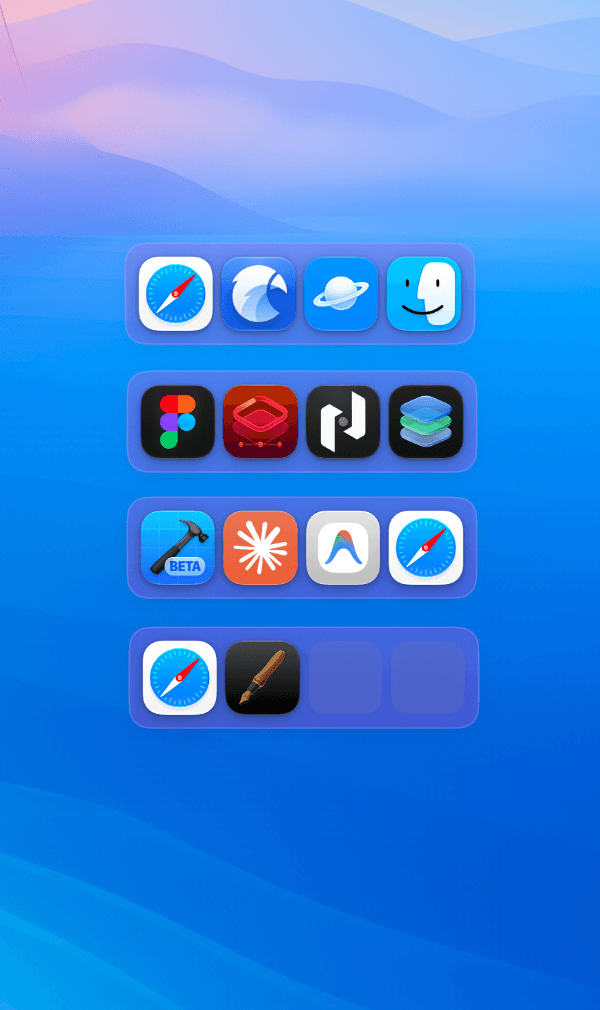
Add a compact grid or row widget straight to your desktop, then size, tint and border it to taste.

Build as many spaces as your week demands: development, writing, design, admin, gaming. There is no cap.
Drag your windows where you want them, open Tiles, hit save. No scripting language, no config file, no manual resizing.
Choose which displays a Space is captured from, so a layout built on your desk restores correctly when you dock.
Assign any key combination to a Space and jump straight into it from whatever you're doing.
Built for macOS with a footprint that stays out of the way. It lives in your menu bar and respects your battery.
Your layouts are yours. Tiles stores them locally. No account, no cloud sync, no telemetry.
Set a Space up once and it's part of your muscle memory from then on.
Open the apps you need and drag them where they belong. Two browsers side by side, notes tucked on the second display, whatever your setup actually looks like.
Open Tiles, hit Create New Space, give it a name and choose which displays to capture. That's the whole setup. No scripting, no coordinates to type.
Press the shortcut you assigned, or click the Space in the sidebar. Every window is moved, scaled and snapped back into position before you've let go of the keys.
No subscription, no tiers, no upsell inside the app. Buy Tiles and it's yours.
One license key covers up to 5 Macs at once. Deactivate and reactivate across your devices as often as you like. New machine, reinstall, whatever comes up.
Buy TilesmacOS 15.6 Sequoia or later · Apple silicon & Intel
Up to five at the same time. If you sell a machine or wipe one, just deactivate that device and activate the new one. There's no limit on how many times you can move the key around.
Save your layouts once and get the rest of your attention back. $4.99, one time, up to 5 Macs.
macOS 15.6 Sequoia or later · Apple silicon & Intel